Archiving Items
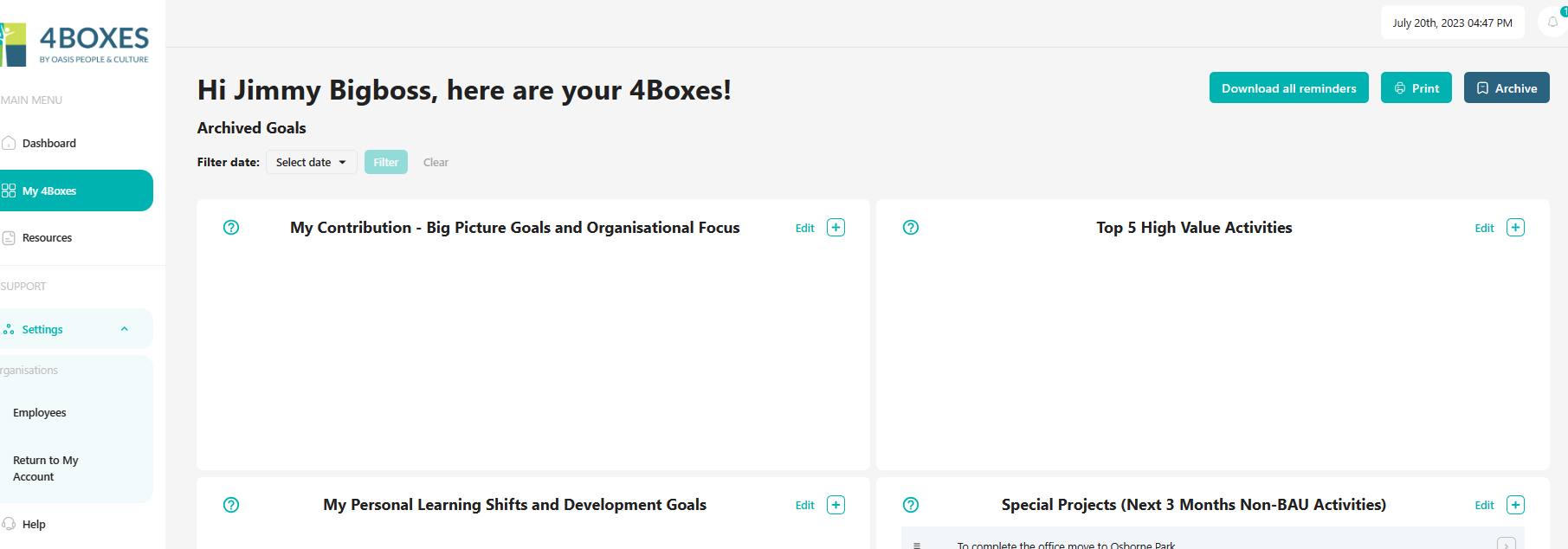
Changing the status of an Item or goal to Archive moves it off the main 4Boxes screen into an archive version of this view. Archived items are accessed and viewed by clicking on the Archive button on the main 4Boxes Screen.
You can toggle between the Current and Archived views by pressing the Archive button again.
In the archive version, a filter date range can be selected to help filter and identify records from a particular period.