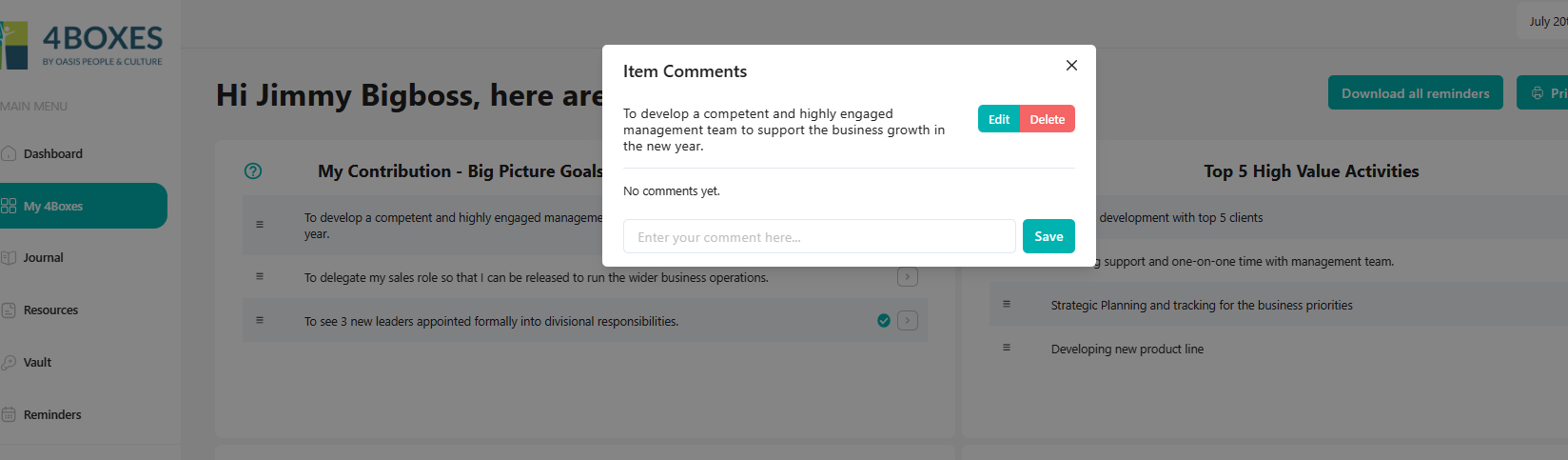
Commenting on a 4Boxes Item
- Click directly on an item
- Click into the Comments space and add comments.
- Save comment.
- When you click on an item that already has comments, you’ll see these comments displayed.
Commenting on 4Boxes Items can be important for employees to make notes on their own items to remind them of evidence of progress against a goal or to make a note to discuss something with a manager at a later time about that item.
Managers can follow this process to make comments on an employee’s Items when they view an Employee’s 4Boxes account (see how to view an Employee’s 4Boxes account).
When Items are updated with comments, they become bold and a dot appears on the left hand side of the item to symbolise for the primary user that an unread comment has been lodged. It disappears once opened.