
Creating and Updating Items in your 4Boxes Screen
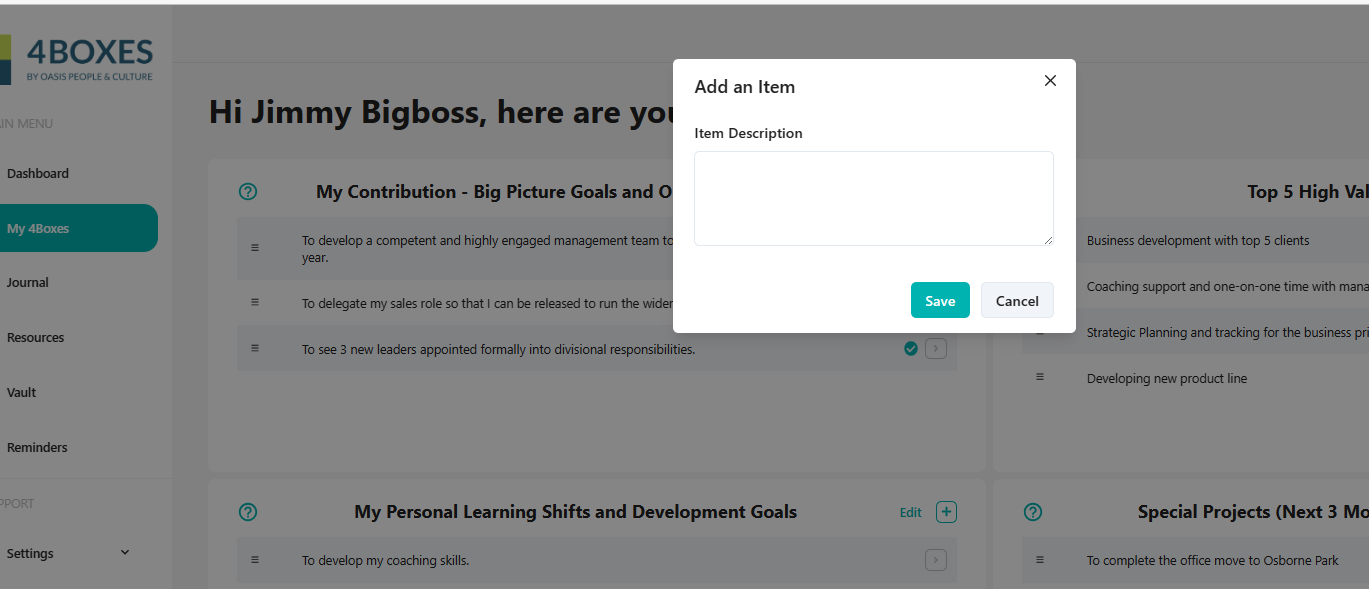
To create a new item:
- Select My 4Boxes from the Main Menu
- Click + in the top right of one of the 4 Boxes
- Enter the Item description or goal statement
To Update or Edit an Item:
- In the My 4Boxes Menu
- Click on the > to the right of any item
- From here you can edit the text of an item; and you can…
- Update the item’s status from In Progress, to Complete or to Archive (where it is filed away from the main 4Boxes screen)
Note that Complete status is symbolised with a tick when you return to the main 4Boxes view.